See your sites in 3D, live
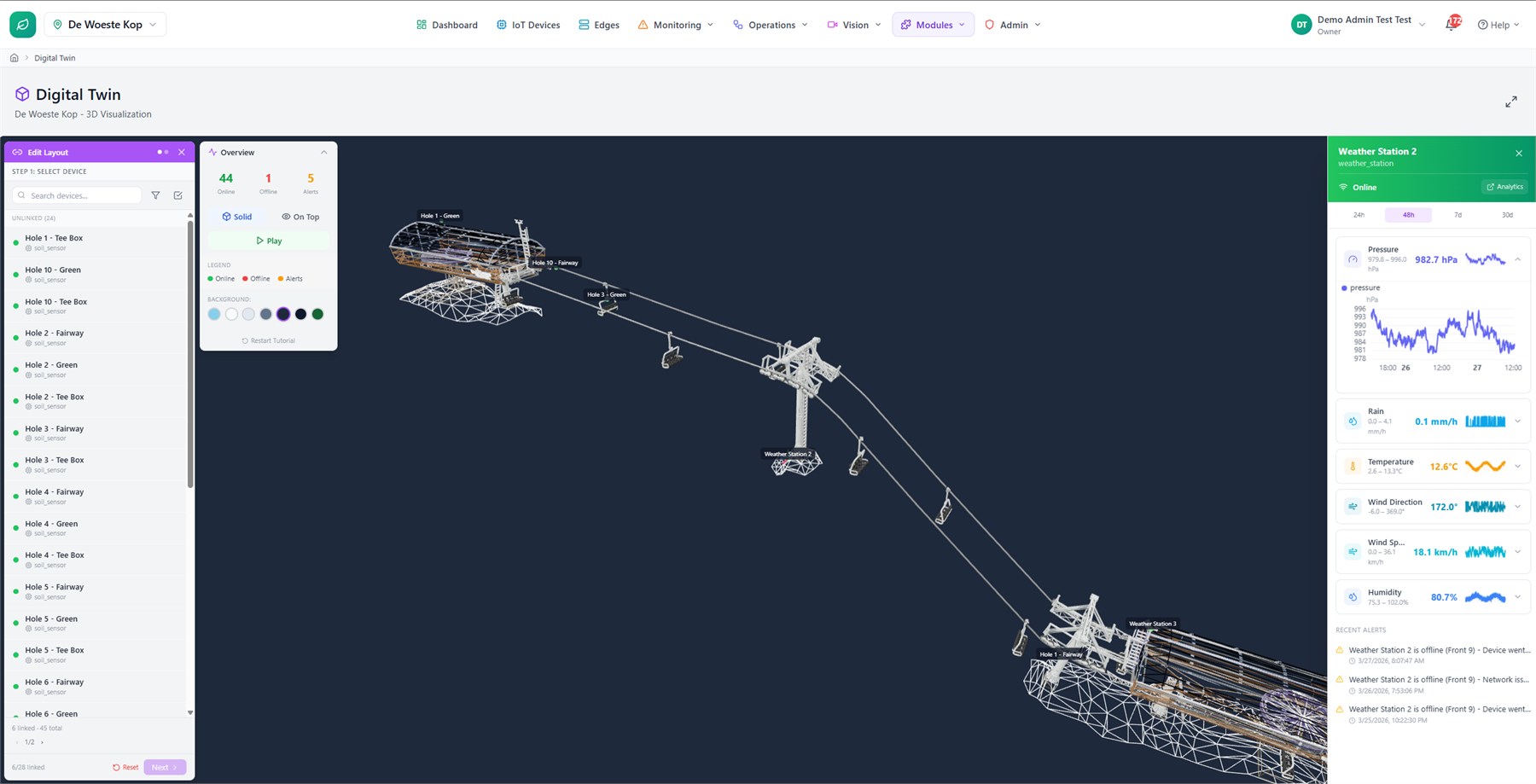
A list of device names tells you nothing in a crisis. Upload a 3D model of each site and place your devices on it — every marker shows real-time status and recent readings, so the whole team reads the site at a glance.
A model for every site
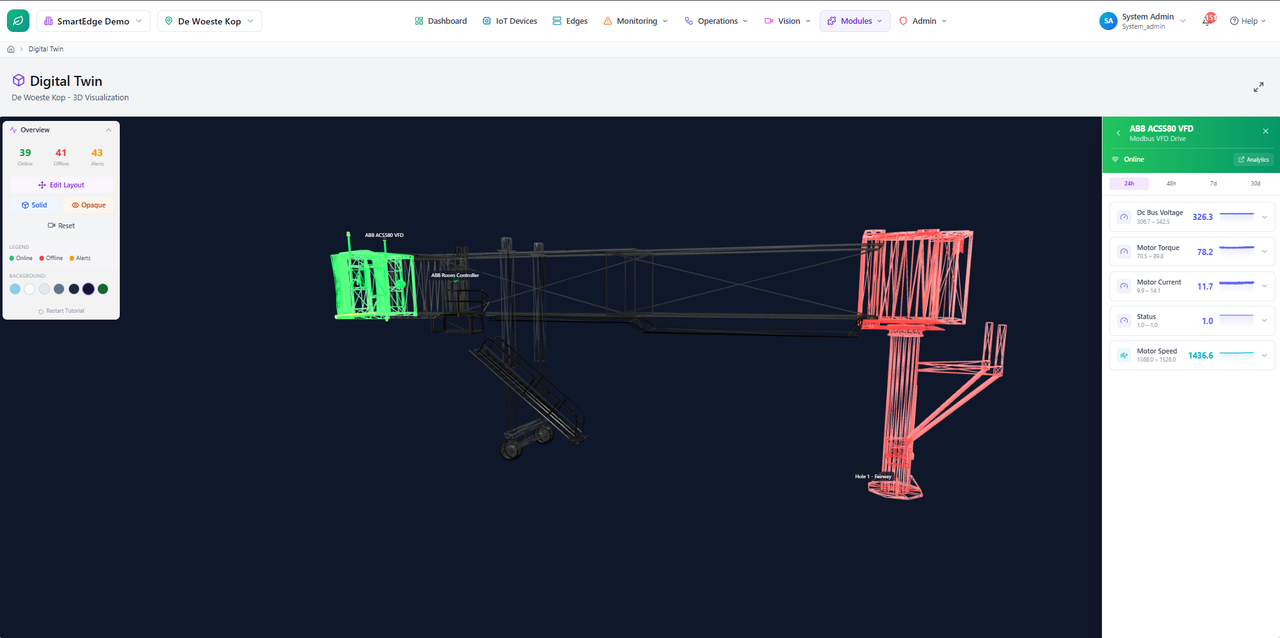
Upload a 3D model for each site, with separate models for zones or rooms when operators need more detail.
Devices where they really are
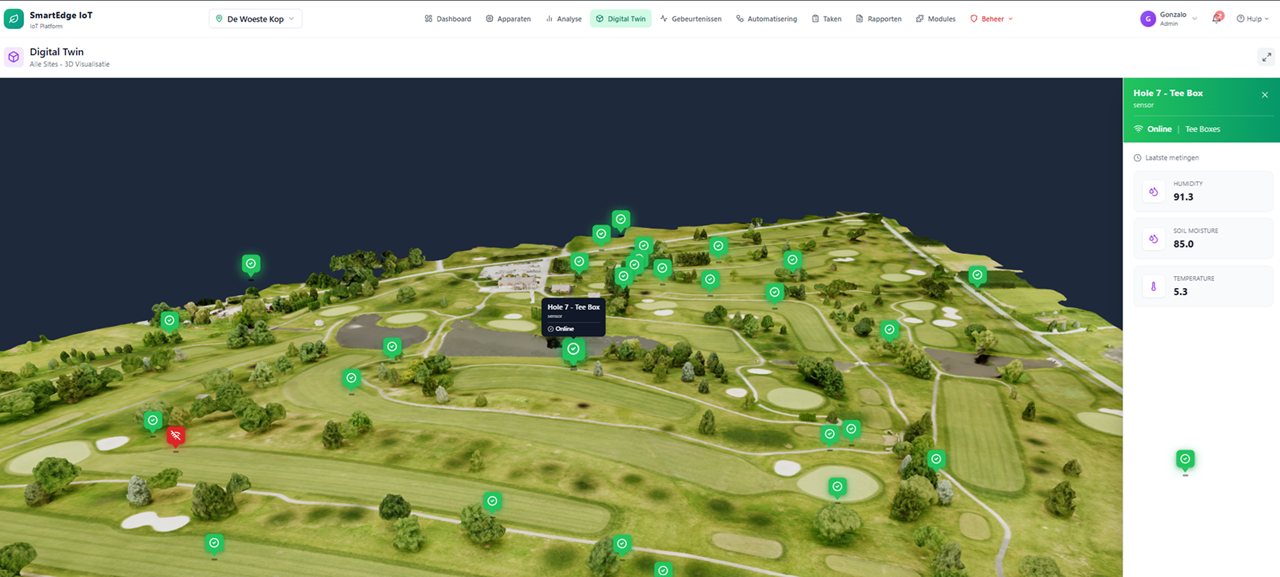
Place each device marker where it actually sits. The marker shows whether it is healthy, needs attention or has gone quiet, so the model becomes a shared operating view.
From site to room detail
Move from a whole-site overview down to a floor, room or zone without losing context. Operators can navigate the model on desktop or touch and return to the overview quickly.
The numbers on the model
A site summary shows device counts, current status and recent alerts. Click any item to jump straight to the device that needs attention.
Every device, where it really is
Instead of a list of names, see assets in their real positions on the model. Live status and recent readings turn the model into an operations view the whole team can read quickly.
From site overview to room detail
Zone-level twins let you drill from a whole facility down to a single floor or room, each with its own model and markers, so context follows you all the way in.